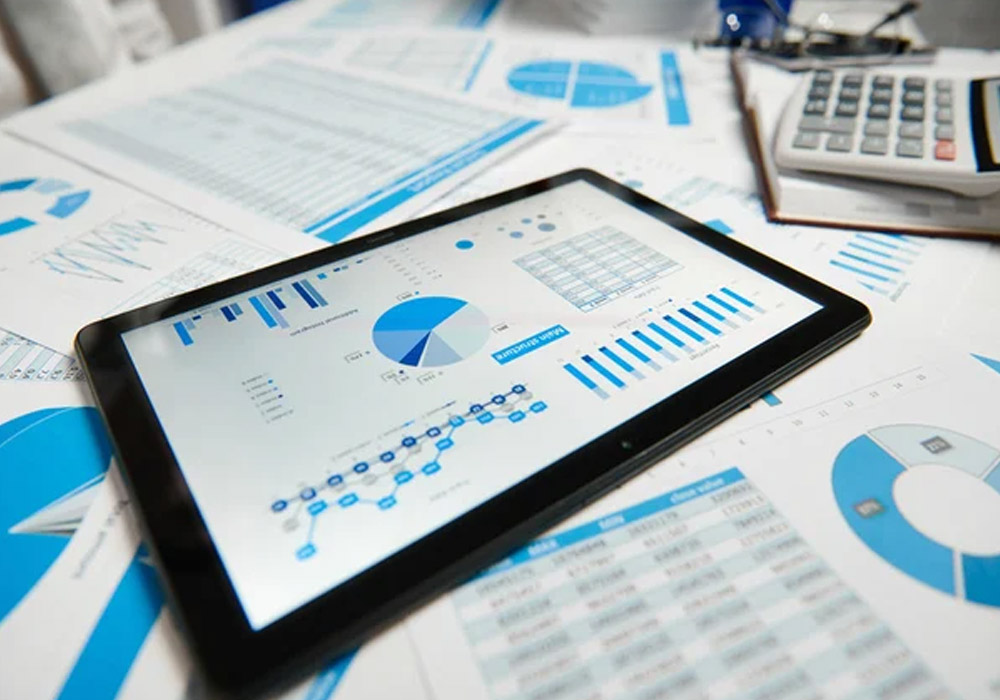
Small business failures due to spreadsheets are not a result of owners not caring. They fail because one errant formula, one missed linked cell, can leave figures downstream silently corrupted, and no one’s the wiser until Reconciliation Day becomes a three-hour treasure hunt for a typo. Replacing spreadsheets with automatic finance only works for businesses that make the switch slowly. Weekend warriors need not apply. Instead, breaking in means starting with the part your brain leaks over the most and building out from there.
Why Spreadsheet Bookkeeping Costs More Than it Looks Like
Spreadsheets sound free. You own the software, you put the template together, and you know your way around it. But that kind of comfort, in the end, conceals the real price. The one that manifests in hours rather than cents.
Before you jump straight at that new software, try this exercise: track every single task over one week that keeps the finance wheels in your business turning. Generating an invoice. Following up on a late payment. Slapping your expenses into your phone. Reconciling that bank statement. Grabbing numbers for a report. Tally up the time. Most owners are shocked to see it all added together. Five hours is a rock-bottom estimate to be realistic, once you’ve found how long that invoice-filing usually takes, and how many errors you’re hunting through historical data to fix because Bob accidentally overwrote a vital formula a quarter back.
But it’s when everyone else is doing their chores, and the earth is turning smoothly, that it really hurts you. U.S. Bank’s often-cited numbers on small business casualties tie 82% of closures back to cash flow. Not having it, that is. This isn’t a statistic about keeping your office tidy. It’s about staying alive. Late invoicing bleeds that hard earned cash long before those year-end reports show the damage. Lost expenses. Uncleared reminders. It all adds up to more money, right now, out the door.
Map the Whole Workflow Before You Buy Anything
The biggest error that business owners make is they start looking for software. They google “best accounting software for small business” find something they think will transform their life, and try to retrofit their current money habits into it. It makes everything so much worse.
Start by mapping your money workflow, from end to end. It should feel a bit like writing down your morning routine when you’re trying to send your kid to school. Anxious. Exhausting. But you do it, to get better clarity on the problem at hand. Write down every single money task you can think of, invoice generation, collection, expenses, payroll, monthly reporting, bank reconciliation, tax prep. Look at each one in turn and hum a little if you have to, while you estimate how many hours a week or month you spend on it. Guess who is doing that task. Write it all down. This list is your emergency signal.
Again, it keeps you from overpaying, too. Some software costs an arm and a leg because it’s built for mid-cap companies with ten people in their money department. You don’t need that. You need something that gets you exactly the feature that you lack most, without adding a whole bunch of unnecessary stuff you will never understand. For a small business, that’s usually accounts receivable.
Start With Accounts Receivable, Not Everything at Once
If you’re looking to automate something first, make it invoicing customers and collecting payments. It’s the lowest-risk place to start, and the payoff is often immediate.
You don’t have to be ready to swap out every bookkeeping function in order to benefit from faster, easier, automated billing. Many business owners start with a small step, like using an online invoice generator to stop coddling a PDF template, and end up getting the quick win of not letting any more money walk out the door the month after the job is done.
You don’t have to dread invoicing every month because it’s not 2007 and you don’t need to rely on Word anymore. High-quality online generators are easy to use (you don’t need to be a Word wizard to sample a template from the gallery and make it your own) and will get you paid faster for fewer days of bookkeeper time pretending to use a mail merge.
Clean Your Data Before You Migrate it
Once you feel you’ve outgrown your invoices and upgrade to a proper cloud accounting system, there’s a strong urge to just export your spreadsheet and heave it all over into the new tool. Resist that. GIGO comes down particularly hard on bookkeeping.
Before transition, get your bank records straight and ensure your opening balances are level. De-duplicate your customer and vendor lists: spreadsheets let you have three copies of the same client because you capitalized their name differently. And get your chart of accounts in alignment. If your spreadsheet has categories that don’t map neatly onto sensible accounting, fix that now rather than exporting a mess and unwinding it later.
This is elbow grease, and it’s easy to skip it. But they’re what everything that flows from them, bank feeds and reports and tax and everything else in your financial life, is based on. And if you can’t trust them, it rapidly turns into a house of cards.
Choose a Platform That Connects, Not One That Isolates
Cloud accounting systems such as QuickBooks Online, Xero, FreshBooks, and Wave perform the same essential functions, such as invoicing, expense tracking, bank feeds, and reporting. The key differentiator isn’t the base functionality, it’s more about how well the product connects to the other tools and services you use.
When your accounting tool links directly with your bank, your payroll provider, and your payment processor (Stripe, PayPal), the new transactions frequently enter automatically, instead of you manually keying them in again. In the cases where there’s not a direct link available, tools like Zapier can pull information from one app and plug it in to another, without any of the double entry necessitated by using pen and paper. This is often where you’ll find the hidden time savings in “smart” bookkeeping software. It gets easier not because the software is making better decisions for you but because it’s just not asking you to enter the same information over and over again.
Run Old and New Side by Side Before You Trust the Numbers
Once your new system is set up, don’t kill the spreadsheet immediately. Run both in parallel for at least one full accounting cycle, ideally a full month, sometimes longer if your business has irregular billing patterns.
At month-end, compare the two. Does your P&L match? Does the cash balance reconcile the same way in both systems? Discrepancies at this stage are normal and useful. They tell you where your migration had a gap, whether that’s a missed transaction, a miscategorized expense, or an account that didn’t map correctly during setup.
This parallel period is uncomfortable because it feels like double work. But it’s the safety net that lets you retire the spreadsheet with actual confidence instead of blind faith. Skipping it is how businesses end up filing taxes on numbers nobody actually verified.
Automate the Maintenance Tasks You’ve Been Skipping
An under-discussed benefit of automation is that it can help tidy up the organizational debt that’s accumulated pre-automation. Organizations are already behind on “books hygiene” before someone automates anything, because the manual version of these tasks was enough of a nuisance that they got deferred. Reconciliation got done quarterly instead of monthly. Receipts went into a shoebox instead of a spreadsheet row. Expenditure categorization got batched into one painful afternoon before tax season.
Automation fixes this by making the default behavior the good behavior. Bank feeds turned on, so daily rather than monthly you’re hitting “enter” on new lines. Recurring invoices for clients on retainer. Automatic late fees for late clients, rather than you deciding, case by case, whether to enforce your payment terms. Receipt-scanning apps that read-and-categorize expenses on capture, with data entry reduced to the exceptions rather than the rule.
The whole point here is to get to a system where most things process themselves and you’re only stepping in when something looks off. And that’s a very different daily experience than having to keyboard in every line item yourself.
Rebuild Reporting Around Real-Time Numbers
Reporting with spreadsheets is typically synonymous with one individual, manually piecing together a P&L or cash flow statement once a month, regularly days after month close, using numbers that were already a little stale by the time they got entered.
Automated systems offer you dashboards that update as transactions stream in. That alters what reporting looks like. Instead of a monthly retrospective, it transforms into a mechanism for capturing issues while there is still adequate time to respond. If a client has not paid in 45 days, you are aware of it now, not at month close. If expenses in one classification are high, you can adapt pricing or spending before the quarter ends, not after.
The same goes for tax preparation. Your accountant isn’t attempting to piece together your year from a heap of contradictory spreadsheet tabs if you have structured, constantly categorized records. Audit-ready records are not solely a compliance favor; they lessen the hours (and the costs) that go into year-end tax efforts.
Keep a Review Cadence Going
Automation may improve your routine, but you still need to supervise it. A mis-categorized transaction in an automated system can spread further, because recurring rules and bank feeds keep applying the same logic until someone catches it.
Set up role-based access so only the right people can edit core financial data, and track the changes so that you see who made them. Create regular meetings with your CPA or bookkeeper to verify the categorization rules and capture any drift that could escape you. This is one good practice that can make a difference in keeping an automated system trustworthy for tax purposes instead of just fast.
But the shift from spreadsheets to automation is not a software issue. It’s about figuring out which manual habits are actually worth keeping and which ones have just been running on muscle memory. Start with the invoice you’re chasing right now, prove that automation solves that one problem cleanly, and let the rest of your finance stack follow from there.