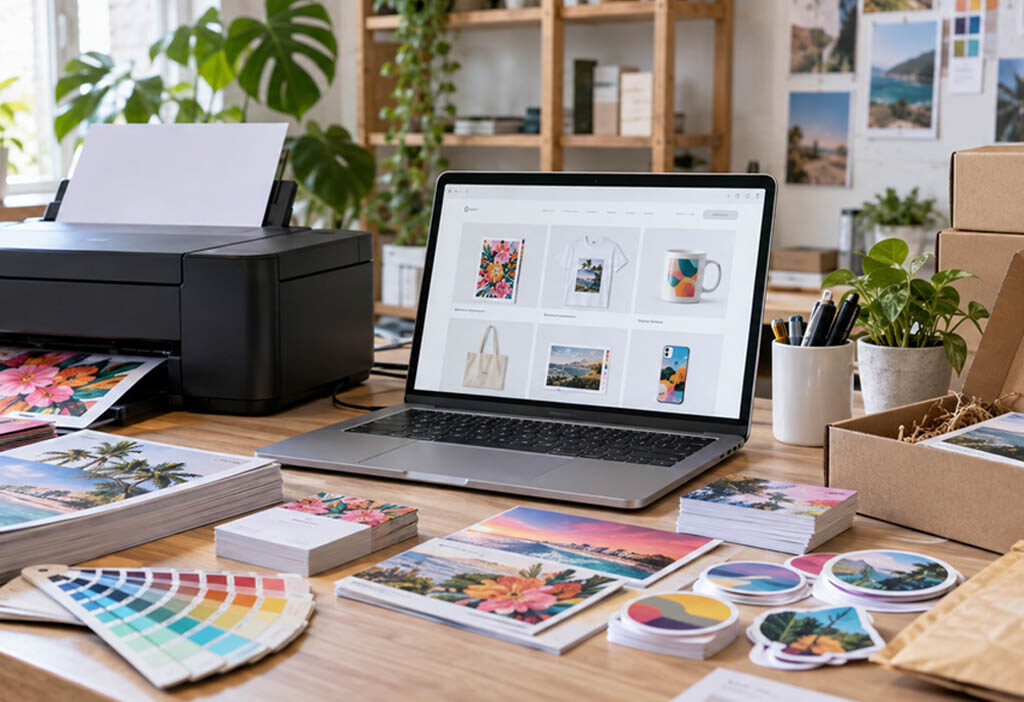
In the past, starting a printing business involved investing in a printing press, leasing a storage space, and hiring someone to take calls and manually provide quotes for projects. While this traditional model is still around, it is not the one that is experiencing the most growth. Web-based printing businesses forgo the need for physical equipment and instead, rely on software to create an online shop that provides quotes, gathers necessary files, and sends orders to production automatically, without requiring any human intervention to field calls.
What actually makes a print business “web-based”
A traditional print shop depends on a person. Someone answers calls, writes up quotes, chases down artwork, and manually schedules jobs on the press. That works fine at low volume, but it caps how much revenue one shop can process in a day.
A web-based printing business flips that. The storefront runs 24 hours a day. A customer picks a product, uploads a file, sees a price instantly, and pays without anyone on your end lifting a finger until the order needs to go to production. The business separates two things that used to be bolted together: getting customers and making the product. You can focus entirely on the first while a fulfillment partner or your own equipment handles the second. That separation is what lets a two-person team compete with shops that have twenty employees.
This shift is part of why print-on-demand has become such an attractive entry point. The global print-on-demand market was valued at roughly USD 7.62 billion in 2023 and is projected to grow at a 26.1% compound annual rate through 2030 (Grand View Research, 2024). That’s not a niche side hustle anymore. It’s a real distribution model with real money moving through it, and the barrier to entry keeps dropping as software gets better.
Picking software instead of picking a printer
Most new print shop owners lose time on the wrong tech. They sign up for a catchall e-commerce platform then experiment with attaching a product configurator, file uploader, pricing calculator, and proofing workflow via five different plugins not designed to play nice together. The Frankenstein solution functions until an update makes one component unsteady or you realize another can’t process bulk-quantity orders and you’re stranded troubleshooting when you should be printing money.
Print shops need real-time configurators so people can choose size, paper, or finish and instantly view the outcome; automatically tiered pricing that updates with quantity levels; file uploads with error checking; and a pre-proofing step. To circumvent the integration nightmare of connecting a cart, configurator, and preflight separately, many entrepreneurs hitch their wagon to a complete web to print platform instead of hooking together generic e-commerce extensions. It’s akin to contracting an all-in-one construction team versus approaching different electricians, plumbers, and painters for each room.
As you weigh options, be extremely clear on how well either solution will meld with your order management and print MIS or ERP systems. If a sale just pops in as an email you need to retype, you haven’t saved anybody’s wrist.
B2B and B2C are two different businesses sharing one storefront
Many new print entrepreneurs think “print buyer” is a single market. It’s not. Your B2B customers are reordering marketing collateral, packaging, and branded goods like clockwork, often every quarter, and they frequently reorder the same items. They care about easy reordering, consistent quality, access to the brand assets they’ve had you store for them, and the volume pricing they get through you.
Your B2C customer is ordering something intensely personal and one-time, like a memorial photo book or their wedding invitations. They care about fast reorders, sure, but way more than that, they’re going to care about a rock-solid preview process that accurately reflects what they’re going to get, and a very transparent price. Those two markets require different emphases in your storefront offerings and your marketing. A corporate buyer does not care if you have a great configurator; in fact, they’d prefer you to just put their logo in the right spot, thanks. They’ve got people for that. They do not want to sort through your forty flavors of Christmas cards. A consumer is appalled by the idea of a portal, wants to surf your gorgeous Christmas card designs, then maybe customize one to have their cat on it. If you try to target both markets identically, you’re really targeting the consumer market and losing business clients along the way.
Pricing that protects margin without scaring off buyers
Displaying print pricing online needs to accomplish two very different feelings: it must be instant and easy for the customer, while also ensuring that your margin on materials, labor, and shipping is not eroded. Solve this by tiered pricing by quantity, calculated in the background the instant someone makes an option. They prefer 500 flyers to 100? The price updates.
Send shipping cost the same automated way. It’s the quickest way to lose a print sale, especially since the weight or size of printed goods often surprises people. Integrate shipping calculators into the product page or cart preview, not just the final checkout.
Last truth bomb: Don’t try and beat the existing online printing giants on price. You won’t win that fight through volume. Compete on turnaround time, niche product selection, or a better proofing experience.
Letting the software run production, not a person
This is the part where you know if you’ve got a business or a hobby. Prepress – the part where you get a file that’s ready to print – is automatic or die. You preflight every file for bleed, color space, and resolution when it comes in. Then you do nothing. The properly automated storefront immediately turns a preflighted, press-ready, entirely unsullied-by-human-hands file into not only a crisp new print but also a job ticket that tells the machines exactly what to make, and a shipping label. In many cases, the print platform will also automatically send the completed order to a network of partner fulfillers for drop shipment.
If you’re struggling, odds are good that someone is still playing with the file at any point of the process. That’s fine at ten orders a week. It’s not fine at two hundred.
Marketing tactics built specifically for print
General advice for online marketing might not work in this case because print buyers have different search patterns. In general, Google Ads campaigns using specific commercial printing terms, such as “business cards,” “custom booklets,” or “vinyl banners,” tend to give better results than using general brand terms since buyers already have a clear idea of what they want to purchase.
For print, image-heavy portfolio and sample galleries are more important than other types of products since customers can’t see or feel the final product unless you do a good job of showing it to them. High-res close-ups of texture, fold, and finish will do a lot of the selling work for you.
Having product-specific landing pages can also be helpful in improving your SEO. A landing page built around “custom presentation folders” will outperform a generic “printing services” page for customers searching for that particular term. Finally, Google Merchant Center product feeds can put your product straight into shopping results – where people comparing prices are already looking. Many print sellers overlook this since they consider themselves more of a service than a retailer.
Solving the trust problem before it costs you a sale
Ordering printed materials online can make customers anxious in a way that other types of online orders do not. They worry about colors not being right, files not lining up, and then being stuck with hundreds of incorrect prints. This anxiety is the largest barrier between you and a first-time customer hitting that checkout button.
Soft proofing eliminates most of this. Show your customer a rendered preview image or PDF proof of what their file will look like printed, and make them check a box agreeing that it’s their error if there’s something wrong with it. Accept as many file formats as you can so customers don’t put in their best effort to convert their file only to hit a roadblock and not be able to get a quote. Also, publish a clear reprint/replacement policy. “If we made an error, we’ll fix it free,” prominently displayed, removes an incredible amount of fear, even if most of your customers will never even have to take advantage of it.
Turning one-time buyers into recurring accounts
The key to making bank with web-based print is reorder volume, not upfront orders, which makes this strategy particularly effective in B2B sales. Store a client’s brand assets, logo files, fonts, and approved templates, and suddenly a repeat order for 500 business cards is a few clicks instead of hours at your computer, cross-referencing feedback notes from the client.
One-click reordering of a previous job is a small feature with an outsized effect on retention. If a customer ordered 1,000 flyers three months ago and liked them, make it effortless to order 1,000 more. For larger accounts, consider volume-based annual pricing agreements that lock in a client’s business for the year in exchange for better rates. That single move can turn an unpredictable one-off buyer into a dependable line of recurring revenue.
Scaling without buying a press
You don’t need to own equipment to launch, and you often shouldn’t rush into it. Partner with fulfillment printers or drop-shipping networks, and you can literally sell the day you’ve come up with your first few designs. It costs nothing beyond your time creating them to have someone else print and distribute your goods. Build your brand, customer base, and cash flow first. Learn from how your partners print your work, ship to your customers and handle returns. Make sure you’re happy with how they handle all facets of production and service.
Make sure there’s enough margin in each sale to pay the printer, seller, and you, and enough profit left over to make reinvestment in your business possible. Only reinvest through scaling up what’s working – add more of your unique style to products you know already sell well. Consider bringing production in-house for those most popular items once it regularly makes sense to do so for the quantity you typically sell.
Mistakes that quietly kill new print storefronts
A few patterns show up over and over in businesses that struggle early. Mobile responsiveness gets ignored, and a huge share of print buyers, especially consumers, are browsing and ordering from a phone. A configurator that only works well on desktop loses sales silently.
Unrealistic turnaround promises at checkout cause disputes and refunds later. Be specific and slightly conservative about production time rather than optimistic. And shipping costs and timelines need to be visible early in the shopping flow, not buried until the final checkout step. Buyers who feel ambushed by cost or delay rarely come back, even if the product itself was fine.
Launching a web-based printing business now looks less like opening a shop and more like running a focused software and marketing operation with a production partner attached. The equipment matters far less than the storefront, the pricing logic behind it, and how well you turn a first-time buyer into a repeat account.