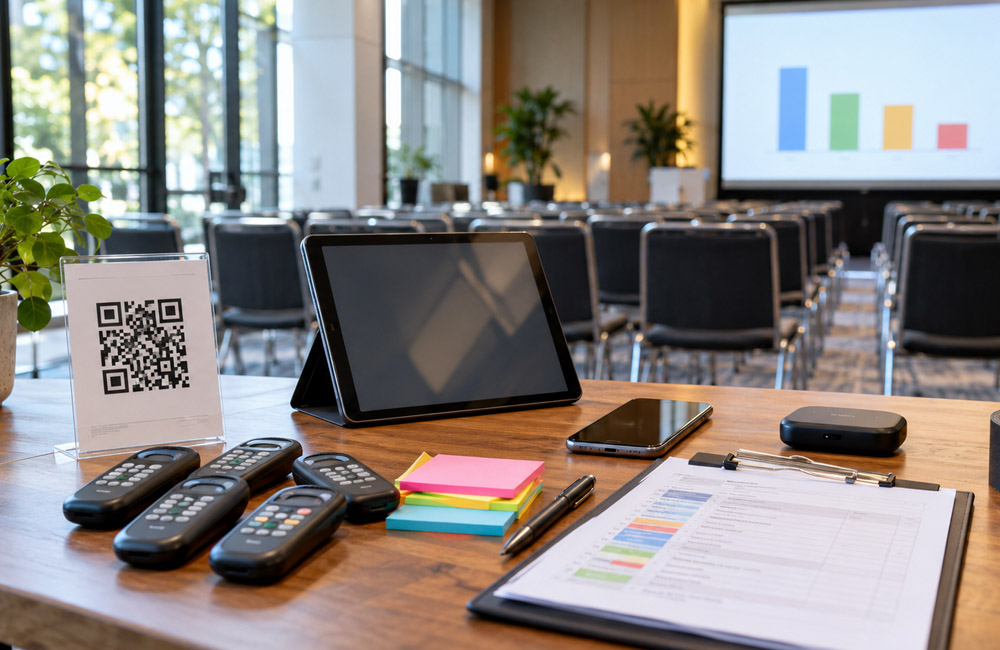
Live polls work when the prep work is done. Most failed polls aren’t caused by the software. They’re caused by poor planning.
Match the format to the session goal
Polls often feel bolted on. A random question appears with no clear link to the talk. People answer out of politeness, then tune out. The fix starts before you write anything. Decide what the poll needs to do at that point in the session.
Audience response systems have been around for decades. Old clicker boxes proved the idea long before phones took over. BYOD is now common because few organizers want to hand out hardware and collect it again. The job remains the same. Pick the format that fits the moment.
Use a word cloud when you want a quick icebreaker. It asks little from people and gives you a sense of the mood in seconds. Multiple-choice works well for a knowledge check. Each person picks one clear answer, allowing you to see where the room stands.
Use a rating scale when you need audience intelligence for a decision. A quiz format adds competitive energy, provided some noise suits the session. Real-time analytics show comprehension while there is still time to respond. If half the room misses a key idea, you will know before moving on.
A fast way to choose
Start with the outcome rather than the wording. If you want warmth, choose something open and visual. If you need a decision, make the question closed and countable. One clear purpose per poll is more useful than a clever question with no defined job. Write that purpose at the top of the run sheet so the speaker can see it.
Write questions for a small screen
Long questions struggle on phones. People tend to skim rather than study. If they cannot understand a question in one glance, they are less likely to answer it. That applies to in-person and remote guests alike.
A useful target is no more than 20 words, although clarity matters more than hitting an exact limit. Ask one thing at a time. Avoid combining two ideas with an ‘and’ and hoping people agree with both parts. Keep the answer text short enough to fit cleanly on one screen.
Take a double-barreled question as an example. ‘Do you find onboarding helpful and would you recommend it?’ forces a false choice. Split it. Ask ‘Was onboarding helpful?’ first, then save the referral question for later.
Preview every poll on a phone before locking it, because what looks neat on a laptop may wrap badly on a small display and push key words out of view. If you have to zoom or scroll sideways, rewrite it. Short options make a noticeable difference. ‘Strongly agree’ reads faster than a full sentence expressing the same idea. Aim for answers that are easy to tap once the question is clear.
Cutting filler words and testing the poll with one thumb can remove friction at the point of voting. It is a small check that matters when hundreds of people respond at once.
Keep language plain
Avoid jargon and inside jokes that remote participants may not understand.
Decide on anonymity before doors open
Anonymity changes how people vote. People may give more direct answers when their name is not attached, which matters for sensitive topics such as team morale or views on a change in direction that might feel risky to state in public. Attributed polls have a place too. Named responses allow sponsors to score leads and make it possible to follow up with the right person after a workshop. Decide which mode you need before the event, and do not switch halfway without a clear reason.
Tell the room which mode is being used. Say it aloud and show it on screen so there is no doubt. If responses are anonymous, explain that in plain language. If names are stored, explain how they will be used and obtain the appropriate consent before collecting them. Poll responses may count as personal data when they can be tied to a person, so collection and storage should follow the relevant data and consent rules.
Do not collect emails in the same poll as critical feedback. Doing so can discourage honest responses and does not provide clear permission for follow-up.
For hybrid groups, state the rule twice. Remote attendees cannot see nods in the room, so they need explicit reassurance on screen. One poll, one job applies here as well. Keep anonymous feedback separate from contact capture.
A practical setup is to run one anonymous pulse and one attributed contact poll separately. Each is more likely to produce suitable data than a mixed poll trying to do both at once.
Sort out connectivity and fallback plans
Venue Wi-Fi is a common point of failure for live polls. A network that handles email for 500 people can still fall over when 500 phones access a poll at the same second. BYOD makes entry easy, but it places the full load on the local network at peak moments. Hybrid events add more strain because remote guests join alongside the room. Ask the venue for real numbers on concurrent devices rather than just top speed.
Test from the floor rather than the office. Walk around with a phone and run a test poll from the back row, where the signal may be weakest. Put the entry point somewhere people cannot miss it. A large QR code on the opening slide, with the same code on tables, gives people two ways in without requiring them to type a long address.
Have a backup that does not depend on the venue network. Keep a separate entry link available over mobile data so you can switch if Wi-Fi drops. Some setups support SMS voting at very low bandwidth, which may rescue a simple multiple-choice vote. Brief the host on the switch so it can happen quickly without a huddle on stage.
Do not assume the network will hold.
What to ask the venue
Ask how many devices can connect at once in the room. Also ask whether staff can reserve bandwidth for voting windows or open a second network for the crew.
Rehearse the speaker view until it feels dull
Speakers can fumble polls when they rehearse only the slides. The slide deck is the easy part. Timing often breaks during the live flow. Open the moderator dashboard and learn where the launch and close controls sit. Run through the full click path twice, then check how the results look on the large screen.
Many teams use a dedicated tool for real-time polling that keeps question creation and audience responses in one moderator dashboard. This setup reduces speaker-side friction because there is no need to hop between tabs while the room waits. It also leaves fewer opportunities to misclick or create dead air while looking for the right button.
Simulate the audience view on a second phone during rehearsal. This can reveal truncated options and tiny fonts before attendees encounter them. Confirm that QR entry still works after any late slide changes. A dead code on screen can stop participation before the poll begins.
Assign one person to watch the dashboard. The speaker talks while that person launches and closes each poll. Agree on cues for revealing and hiding results so they do not appear early. Complete a final run with the sound and lights set as they will be on the day.
Calm events tend to follow thorough, uneventful rehearsals. Repeat the open and close process until it feels routine. That repetition builds muscle memory, which helps when the room is full and the schedule is tight.
Keep login details and backup links on one printed sheet. If a laptop fails, nobody should have to search through email.
Launch polls with intent and react to answers
Do not open a poll cold. Present a complete idea first, then ask the question. People need context before they can give a useful answer. A countdown on screen creates a clear window and helps prevent drift. Keep that window tight for simple votes, while allowing more time for open-text responses.
Under a minute is a common starting point for a quick choice. Longer prompts or word clouds may need more time while people type. Watch the pace of entries and close the poll when responses flatten. Leaving it open while energy fades offers little benefit.
When results are surprising, pause. If a knowledge check shows confusion, explain the point again in different words. If opinion is sharply divided, ask the room why before moving on. Responding to the result is the main value of polling.
Gamification can help when it suits the tone. Leaderboards and quiz points can raise the energy during training sessions and kickoffs. Avoid them for serious topics where competition would feel inappropriate.
Read the top result aloud before commenting. Remote guests may not see the chart clearly, so narration keeps them involved. Connect the outcome to the next point so the poll carries some weight. When speakers say ‘Here’s what you just told us’ and adjust the talk accordingly, the poll becomes part of the conversation rather than a gimmick.
Do not rush past disagreement. Acknowledge it and use it to support further discussion.
Make polls usable for everyone and reuse results
Accessibility should be considered from the start. Some attendees use screen readers, so choose a poll interface that supports them and test keyboard entry. Read questions and results aloud for people who cannot see the screen clearly. Do not rely on color alone in charts, as this may exclude color-blind guests. Check relevant WCAG basics, including high contrast and keyboard access.
Leave polls open long enough for slower readers to finish without being rushed. Motor impairments can make fast tapping difficult, so avoid very short cutoffs for typed answers. For hybrid events, provide the same response window for room and remote guests. Announce when the poll opens and when ten seconds remain.
Turning votes into follow-up
Post-event reporting starts with a clean export. Pull the raw votes on the same day so the context remains clear. Use one relevant result in the follow-up email to show that responses were heard. Aggregate satisfaction scores for the internal ROI report so stakeholders can review evidence rather than impressions.
One standout word cloud may work well on social channels when the necessary permission has been obtained. Only reuse attributed quotes or names where consent allows it. Ask for reuse permission in the poll itself so any later sharing remains clear.
Close votes can help shape future agendas. A split result can provide a strong opener for the next invitation. Store raw data safely, respect the consent window that was promised and delete anything you said would be deleted.
Good live polls feel simple because the difficult work happened early. Run this checklist before each session so the technology can fade into the background. What remains is a room that talks back.